A Practical Guide to Tracking Billable Hours
Tracking billable hours means logging the time you spend on work you can actually invoice a client for. For freelancers, developers, and small agencies, this isn't just tedious admin work—it's how you turn your effort into actual income.
Why Mastering Billable Hours Is Non-Negotiable
If you're like most freelancers, you've probably felt that nagging suspicion at the end of the month: you worked a lot more than your invoices show. This isn't just a feeling. It's often the reality, and it's a direct hit to your bottom line.
When your time tracking is a mess, the problems start to stack up. You forget to start a timer for a quick client call. You don't log the 30 minutes you spent hunting down a critical bug. These little moments feel insignificant, but they bleed you dry over time. A few untracked 15-minute tasks every day can easily add up to dozens of unbilled hours by the end of the year.
The Hidden Costs of Poor Tracking
The damage goes way beyond just lost cash. When your time tracking is off, you have no real idea if your projects are even profitable. You might feel great about a fixed-price project, but without solid data, you can't know if your effective hourly rate was decent or if you secretly lost money on the deal.
This lack of clarity makes quoting new work a total shot in the dark. You're forced to guess, which usually leads to undercharging and working way too hard for too little. This is the stuff that prevents you from growing, buying better tools, or even just taking a vacation.
The real cost of poor time tracking isn't just the unbilled hours; it's the strategic blindness it creates. You can't optimize what you don't measure, and you can't build a sustainable business on unreliable data.
A Widespread Professional Challenge
This isn't just a problem for developers or designers. It’s a huge issue across all service-based professions. Take the legal field, for example. Research from Clio shows that lawyers, on average, only bill for 2.6 hours of an 8-hour day. That’s a jaw-dropping 33% utilization rate. It's a stark reminder of how easily non-billable tasks and administrative drag can swallow your entire day, leaving almost nothing to show for it.
Ultimately, a rock-solid system for tracking billable hours is the foundation of a healthy business. It turns time from something you just "spend" into a concrete asset you can manage. To see how this fits into the bigger picture, it's worth exploring these essential small business accounting tips. Getting this right isn't about paperwork; it's about getting paid what you're worth and building a business that lasts.
Choosing Your Billable Hours Tracking Method
Picking the right way to track your time isn't just an administrative task—it's a core business decision that directly impacts how you get paid. The goal isn't to find some magical, one-size-fits-all tool. It's about finding a method that genuinely fits into your daily rhythm, whether you're a solo developer or running a small agency. Your choice here can mean the difference between effortless, accurate invoicing and a constant battle with timesheets.
This decision tree pretty much sums it up. When you get serious about tracking your time, you start optimizing your revenue. If you don't, you're almost certainly leaving money on the table.
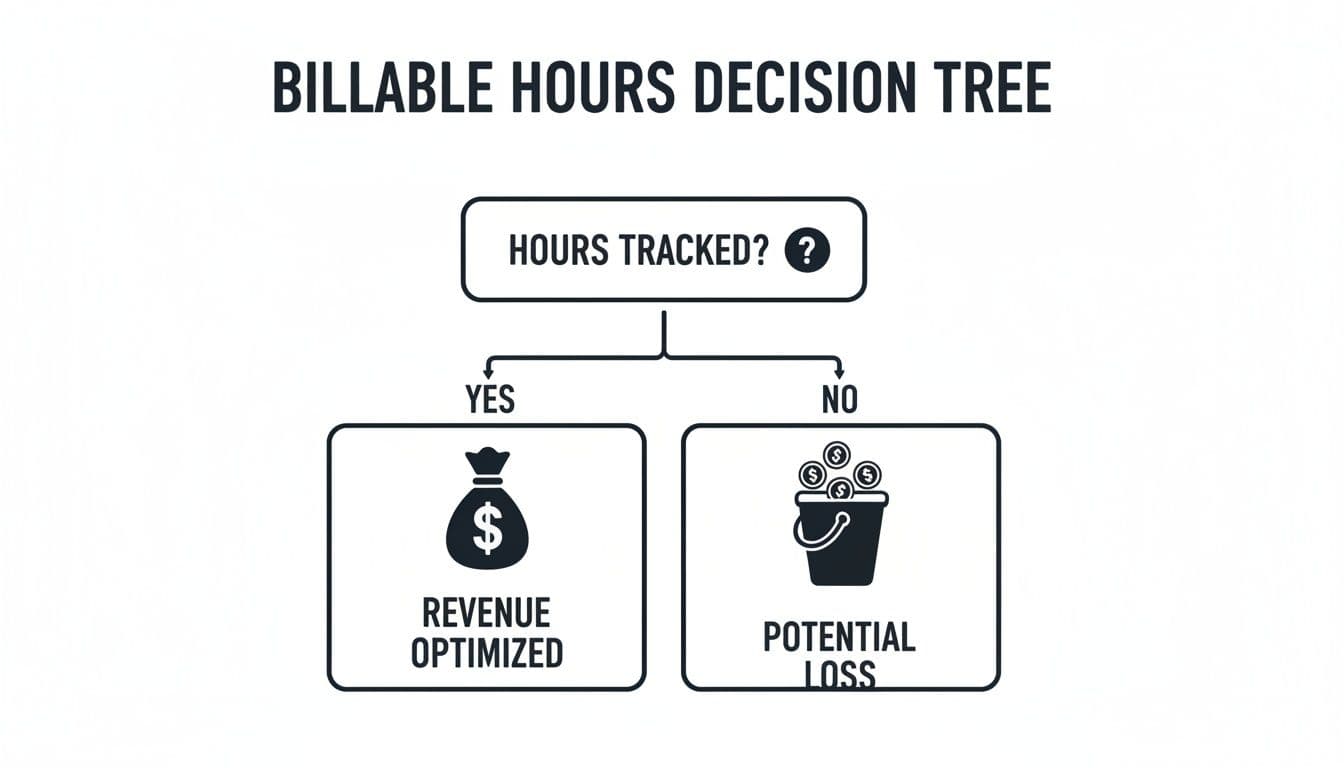
Simply measuring your work is the first real step toward getting a handle on your business's financial health. Let's dig into the common ways people do this so you can figure out what makes sense for you.
To help you decide, I've broken down the most common tracking methods. Each has its place, and what works for a solo freelancer might not scale for a team juggling dozens of client projects.
Comparison of Billable Hour Tracking Methods
| Method | Best For | Pros | Cons |
|---|---|---|---|
| Manual Tracking | Freelancers with 1-2 large projects; testing out time tracking. | - Free to start - No setup needed | - Highly prone to errors and forgotten entries - Requires immense discipline |
| Semi-Automated Timers | Most professionals and small teams who need a balance of control and accuracy. | - Captures time accurately as it happens - Reduces reliance on memory | - Requires the habit of starting/stopping timers - Can be disruptive if you switch tasks frequently |
| Fully Integrated Systems | Teams using project management tools (like Jira, Linear); those needing maximum accuracy and proof of work. | - Highest accuracy with minimal manual effort - Time is linked directly to tasks - Creates a verifiable work record | - Requires initial setup and configuration - Can be overkill for very simple projects |
Ultimately, the best method is the one you'll actually stick with. Think about your current workflow—how you manage tasks, switch between projects, and communicate with clients—to find the right fit.
Manual Tracking: The Classic Approach
This is the old-school way: pen and paper, a text file, or a spreadsheet. You simply jot down the client, what you worked on, a start time, and an end time. It's as basic as it gets.
The appeal is obvious—it's free and you can start right now. But its biggest downfall is that it relies entirely on your memory and discipline. Let's be realistic: if you forget to log just one 15-minute task each day, you're losing over 60 unbilled hours in a year. That adds up fast.
This method really only works for:
- Freelancers juggling just one or two big, long-term projects.
- Anyone who just wants to try tracking time without spending any money first.
- Situations where you simply don't have access to digital tools.
Semi-Automated Tracking With Timers
This is where most people land. Instead of writing times down after the fact, you use a dedicated app with a start/stop timer for each task. The software does the hard work of logging the time and adding it all up. This is a huge leap forward in accuracy because you're capturing time as it happens, not trying to remember it hours later.
This approach offers a great middle ground between manual control and automated convenience. It drastically cuts down on those forgotten little chunks of time and gives you a much more reliable log of your work. The only real hurdle is building the habit of hitting "start" and "stop" as you move through your day. Many people find this is the sweet spot they're looking for, especially if they're trying to find an effective alternative to their current time tracking setup.
Fully Integrated Systems
For the highest level of precision, you can't beat a fully integrated system. This is where your time tracking tool talks directly to your project management software, like Jira or Linear. Time isn't just logged; it's logged in the context of a specific ticket or task.
Imagine a developer starting a focus session directly from a bug ticket. The system automatically logs every minute against that specific ticket, creating a perfect, undeniable record of the work performed. There's no manual entry, no guessing, and no question about where that time went.
This kind of integration stops time tracking from feeling like a separate, annoying chore. It just becomes a natural part of getting the work done, giving you the most accurate data with the least amount of effort.
The only real downside is the initial setup. You have to connect your tools and have a well-defined project structure. But for teams managing multiple clients and complex projects, that upfront investment pays for itself over and over in accuracy and efficiency. This is the way to go when you need to justify every minute on an invoice and get real insight into which projects are actually profitable.
Setting Up Your System for Flawless Tracking
Alright, let's get down to brass tacks. Moving from just thinking about tracking your hours to actually doing it is where the magic happens. A few smart decisions right now, during setup, will save you from a world of administrative pain later on. Seriously, spending an hour or two on this upfront is one of the best investments you can make in your business.
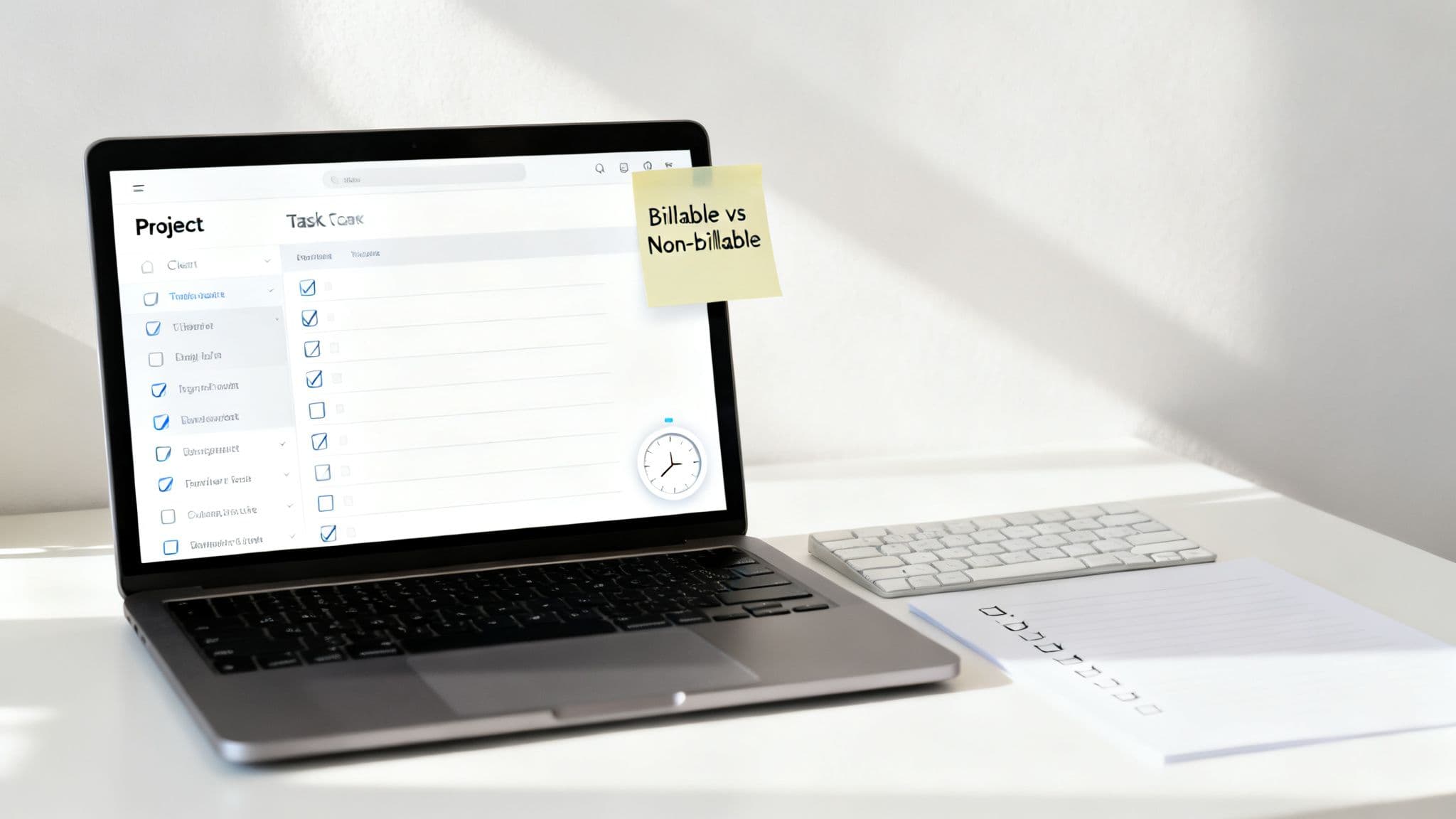
The whole point is to build a system that feels like a natural extension of how you already work, not some annoying chore you have to remember. A solid setup doesn't just clock you in and out; it automatically logs your time against the right client, project, and task with almost zero friction.
Define Your Project and Task Structure
Before you hit "start" on a single timer, you need to map out a logical hierarchy for your work. Think of this as the skeleton of your tracking system. Without it, you’ll just end up with a jumbled mess of time entries that are a nightmare to invoice or learn from.
Your structure can be as simple or as detailed as you need. For some freelancers, a basic outline works perfectly:
- Client A
- Project X (Website Redesign)
- Task: UI/UX Wireframing
- Task: Frontend Development
- Project X (Website Redesign)
- Client B
- Project Y (API Integration)
- Task: Authentication Endpoint
- Task: Data Sync Logic
- Project Y (API Integration)
For developers, a game-changer is syncing your tracker directly with your project management tool. Imagine configuring your setup so that every new ticket assigned to you in Jira or Trello automatically pops up as a trackable task. When you sit down to code, you’re not just logging vague "development" time—you're clocking hours against a specific, verifiable ticket.
Differentiate Billable from Non-Billable Work
Not every minute you work is a minute you can bill a client for, and your tracking system needs to know the difference. You have to draw a clear line in the sand between what’s billable and what isn’t. This isn’t just for client transparency; it's critical for your own sanity and business planning.
A rookie mistake is to ignore non-billable time entirely. You absolutely have to track it. This is the only way to understand your true capacity, see how much administrative overhead is slowing you down, and calculate your real effective hourly rate.
Here’s a straightforward way to think about it:
- Billable Activities: This is time spent directly pushing a client's project forward. Think coding, design, client calls, project-specific research, and putting together deliverables.
- Non-Billable Activities: These are the essential tasks for running your business that can't be assigned to a specific client. This includes things like writing proposals, internal team meetings, training, and general admin.
By tagging every hour, you get a full, honest picture of where your time is actually going. If you discover that non-billable work is consistently eating up 40% of your week, that’s a massive red flag telling you it's time to fix your internal processes.
Establish Your Rounding Rules
Billing by the second is just not practical. It creates messy, overly complicated invoices and nobody really appreciates it. This is where rounding rules become your best friend, simplifying the whole process and accounting for the little bits of time lost to context-switching.
The most common increments I see are:
- 6-minute increments (0.1 of an hour): Very common in the legal and consulting world. It strikes a great balance between being fair and simple.
- 15-minute increments (0.25 of an hour): A huge favorite for agencies and freelancers because the math is so easy for everyone to follow.
The golden rule here is to agree on this with your client before any work begins and get it in writing in your contract. If your time tracker has the option, set this up in the system. For instance, if you work for 8 minutes, a 15-minute rounding rule will automatically log it as 0.25 hours on the invoice. This automation is key to staying consistent and avoiding silly math errors.
At the end of the day, a thoughtfully configured tracking system is your first line of defense against lost revenue. By defining your structure, categorizing your work, and setting clear rules from the get-go, you turn time tracking from a dreaded chore into a powerful business tool.
Getting Your Daily Time Tracking Habits Down Cold
You can have the slickest time tracking setup in the world, but it's useless without the right habits. The real difference between billing what you're worth and leaving money on the table comes down to your daily discipline. It's these small, consistent actions that make tracking feel less like a chore and more like a core part of your professional toolkit.
The single most important habit? Track time as it happens. Seriously. Don't wait until 5 PM, and definitely don't wait until Friday afternoon. Our brains are terrible at recalling small chunks of time. If you try to rebuild your day from memory, you're guaranteed to forget that quick 10-minute client call or the 25 minutes you spent squashing a critical bug. Those moments are billable, and forgetting them is like throwing away cash.
Write Time Entries That Tell a Story
Vague descriptions like "Coding" or "Design" are a major red flag for clients. They're also completely useless when you look back to analyze your own work. The goal is to write entries that are so clear, they practically narrate the project's progress for you.
Think specific and action-oriented. This simple shift in how you describe your work not only justifies your invoices but also builds an invaluable log of everything you've accomplished.
-
Instead of: "Coding"
-
Try: "Researched and implemented new authentication API endpoint"
-
Instead of: "Client Call"
-
Try: "Reviewed wireframe feedback with Client X and outlined next steps for the login page"
This level of detail screams professionalism and transparency. Clients love it because it removes all doubt about what they're paying for, which can head off potential invoice disputes before they even start.
Master the Art of the Pause Button
Work is never a straight line. You get interrupted. A phone call, a surprise team huddle, an urgent email—it's just part of the day. The trick is knowing how to handle these interruptions without corrupting your time log.
When you step away from a billable task for something non-billable, whether it's a personal call or a coffee run, hit the pause button on your timer. It’s a simple click, but it's fundamental to keeping your data clean. This ensures your clients are only ever billed for the time you are actively focused on their work, building trust and showing you’re committed to honest billing.
This discipline is especially vital in high-stakes professional environments. The pressure to hit targets is real. Back in 2010, associates at major firms logged an average of 1,859 billable hours while putting in over 2,200 total hours. More recently, US firms saw billable hours increase by 3.5%, which directly contributed to revenue growth. You can dive deeper into these professional billing trends on NALP.org. This just goes to show how every single billable minute counts.
Turn Good Habits into a Business Advantage
Nailing these habits does more than just get you paid accurately. It transforms your time data from a simple record into a source of powerful business intelligence. Suddenly, you have a crystal-clear picture of where your time actually goes, which tasks are secret time-sinks, and how profitable each client relationship truly is.
The discipline of accurate, real-time tracking provides an undeniable record of your value. It’s not just about logging hours; it’s about creating a bulletproof testament to your work ethic and the results you deliver.
At the end of the day, it's all about professional integrity. You're showing respect for your client's investment while gathering the hard data you need to run a smarter business. For anyone managing a team from afar, instilling these practices is a crucial element of time tracking for remote workers. By making these small tweaks to your daily routine, you'll stop just recording time and start managing it.
From Tracked Time to Actionable Business Insights
This is where all that diligent tracking really starts to pay off. Recording your billable hours isn't just an administrative chore; it's the raw material you need to build a smarter, more profitable business. Once you have this data, you can turn a simple list of time entries into professional invoices and, more importantly, powerful business intelligence.
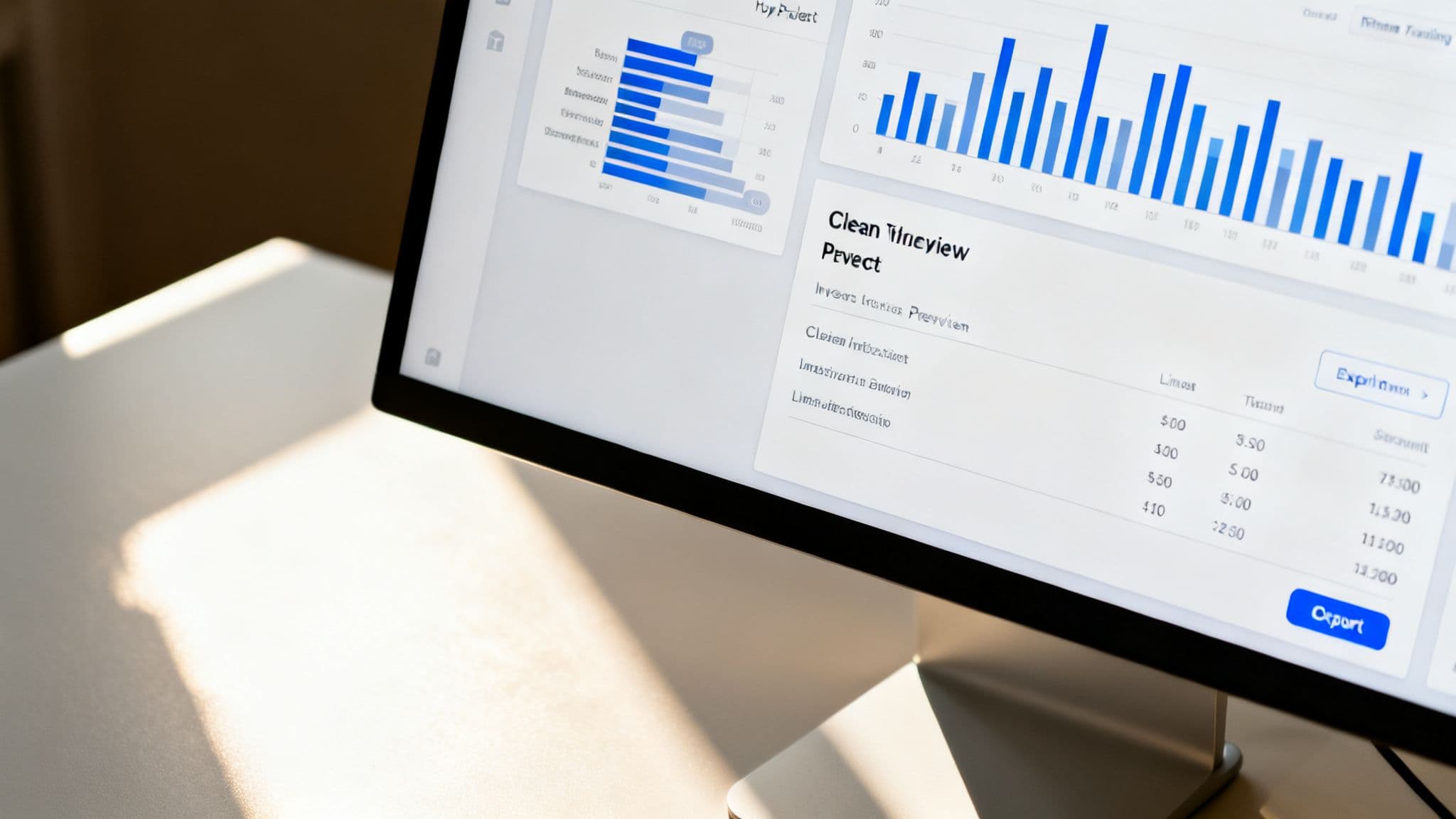
The first, most obvious step is generating reports for your invoices. A solid tracking system lets you effortlessly filter your time by client, project, or date range. This instantly creates a clean, detailed summary of your work that you can export and attach directly to your invoices. It's undeniable proof of work.
That kind of transparency is crucial. When a client sees a clear breakdown—"Developed user authentication flow," "Debugged payment gateway issue," "Client call to review prototype"—it cuts through any ambiguity. This builds trust, which almost always leads to faster payments and fewer disputes.
Beyond Invoicing: Discovering Strategic Insights
While getting paid is priority number one, the real power of tracking your hours lies in the strategic insights you can pull from the data. Your time logs are a goldmine waiting to be analyzed. By looking at this information critically, you can shift from just working in your business to working on your business.
This kind of analysis can reveal critical patterns you’d otherwise completely miss. Suddenly, you can start answering essential questions that directly impact your bottom line and future planning:
- Which projects are my most profitable? Compare your tracked time against a project's budget. This helps you calculate your effective hourly rate and see which types of work give you the best return on your time.
- Where is my time really going? You might be surprised to find out how much of your week gets eaten up by low-value administrative tasks or unbilled client communication.
- Are my estimates accurate? Analyzing past projects gives you a historical baseline, making your quotes for future work far more precise and reliable.
The goal is to make your tracked time a strategic asset, not just a billing record. It’s the data that tells you where to double down, what to delegate, and how to price your services for maximum profitability.
A Real-World Scenario
Let's imagine a freelance developer who tracks her time meticulously for a month. At the end of the month, she runs a report and filters it by task type. A glaring pattern jumps out: on every single project, the time logged under "Client Revisions" consistently blows past her initial estimate by 20-30%.
This is a huge insight. She realizes she's been consistently underestimating the back-and-forth of feedback rounds. Armed with this data, she immediately adjusts her quoting process. For her next proposal, she either increases the overall project price to account for this predictable scope creep or adds a specific line item that limits the number of revision rounds included in the base price.
That small change, driven entirely by analyzing her tracked hours, makes her business significantly more profitable and her project timelines far more predictable.
Turning Time Data into a Competitive Edge
The professional services world is changing fast. With AI reshaping how work gets done, tools that boost efficiency and capture more billable time are no longer a nice-to-have—they're essential. For instance, AI-powered tax research is already saving practitioners nearly 3 hours each week. This mirrors how automated tracking can help professionals capture 10-20% more billable hours, turning what was once unbilled time into real revenue.
Beyond just creating reports, the insights from your tracked time can feed directly into automated invoicing software, transforming your billing from a manual chore into a smooth, efficient workflow. This is how you build a resilient, data-driven operation. And if you're looking to optimize your current setup, exploring different tools and methods can offer some fresh perspectives.
A Few Common Questions About Tracking Billable Hours
Even with a great system, you're bound to have questions as you start tracking your billable hours. It's totally normal. Let's walk through some of the most common ones I hear from freelancers and small teams to clear things up and get you tracking with confidence.
How Detailed Should My Time Entry Descriptions Be?
This is a balancing act. You need enough detail to be useful but not so much that it takes forever to write. My rule of thumb? Write a description that someone who knows nothing about the project could read and understand what you accomplished.
Vague, one-word entries like "Coding" or "Design" are worthless. They don't justify your invoice and, frankly, can make a client feel suspicious. You have to be more specific.
-
Instead of: "Bug fix"
-
Try: "Investigated and patched the user login error on mobile (Ticket #451)"
-
Instead of: "Design work"
-
Try: "Drafted initial wireframes for the user dashboard and profile page"
This level of detail does more than just get you paid. It builds a historical record of your work, which is incredibly useful when you need to estimate a similar task months or even years down the line.
What's the Best Way to Handle Non-Billable Time?
Just because you can't bill for it doesn't mean you shouldn't track it. In fact, tracking non-billable time is one of the smartest business moves you can make. This is all the work that keeps the lights on: writing proposals, internal meetings, admin, and even professional development.
When you log these hours, you get an honest look at where your time really goes. It's how you figure out your true effective hourly rate.
If you discover that 30% of your week is consistently eaten up by non-billable admin, that's a huge red flag. It’s a clear signal that you either need to automate some of those tasks or adjust your pricing to cover that hidden overhead. Most modern tracking apps let you simply tag entries as billable or non-billable, making this super easy.
Should I Round My Time? And to What Increment?
Rounding is a totally standard practice, but the key is transparency. You absolutely must discuss your rounding policy with the client upfront and have it written into your contract. No surprises.
The most common increments I see are:
- 6 minutes (1/10th of an hour): Very popular in legal and consulting. It's a nice middle ground between being super precise and keeping the math simple.
- 15 minutes (1/4 of an hour): A favorite for agencies and freelancers because it’s so easy for everyone to calculate.
Rounding helps account for those little moments of context-switching between tasks. That said, as tracking tools get more precise, some clients and pros are moving toward billing for the exact time worked. Whatever you decide, the most important thing is to be consistent.
How Do I Track Time for Fixed-Price Projects?
This one seems weird at first, right? If the price is fixed, why bother tracking hours? The answer is simple: to protect your profitability.
Without tracking your time on a fixed-price project, you're just guessing. You have no idea if your estimate was brilliant or if you ended up working for pennies on the dollar. It’s the only way to know if you actually made money.
By tracking your hours on every single fixed-price job, you build an invaluable library of data. This is what helps you quote the next project with real accuracy. If you see a pattern of underestimating a certain type of work, you'll have the hard data you need to either raise your prices, tighten the scope, or find a more efficient way to get it done.
Ready to stop guessing and start knowing exactly where your time goes? Locu combines a minimalist to-do list, a focus timer, and rich notes into a single workspace designed for deep, uninterrupted work. Turn your tasks into high-quality output and build a precise history of your accomplishments without the friction. Start your free 10-day trial and experience a smarter way to work at https://locu.app.
Turn Every Minute Into Billable Income
Join freelancers and engineers who capture every minute and bill accurately.