The 12 Best Free Interval Timer App Options in 2026
Whether you're pushing through a high-intensity workout, structuring deep work sessions with the Pomodoro technique, or managing developer sprints, a reliable interval timer is essential. The right tool provides structure, eliminates distractions, and ensures you maintain peak focus during critical blocks of time. While many timers exist, finding a high-quality, genuinely free interval timer app that fits your specific needs can be a challenge. The best options go beyond a simple countdown, offering customization, clear audio cues, and a seamless user experience.
This guide cuts through the noise to showcase 12 of the best free interval timer apps available. We'll explore each tool's unique strengths, from highly configurable HIIT templates in Intervals Pro to minimalist timers like SimplyTimer that are perfect for focused work. We analyze platform availability, key features, and practical use cases to help you find the perfect tool to structure your efforts and maximize your output. Each recommendation includes direct links and key details to help you make a quick, informed decision without sifting through countless options. Our goal is to connect you directly with a free interval timer app that supports your fitness goals, deep work sessions, and productivity workflows without requiring a subscription.
1. Seconds Interval Timer (Runloop)
Seconds Interval Timer by Runloop is a powerhouse free interval timer app renowned for its deep customization and reliability, especially for fitness routines like HIIT, Tabata, and circuit training. Its standout feature is the ability to create highly specific timer templates where each interval can have a unique name, color, and alert. This level of detail makes it incredibly effective for complex workouts where you need to switch exercises without constantly checking your screen.
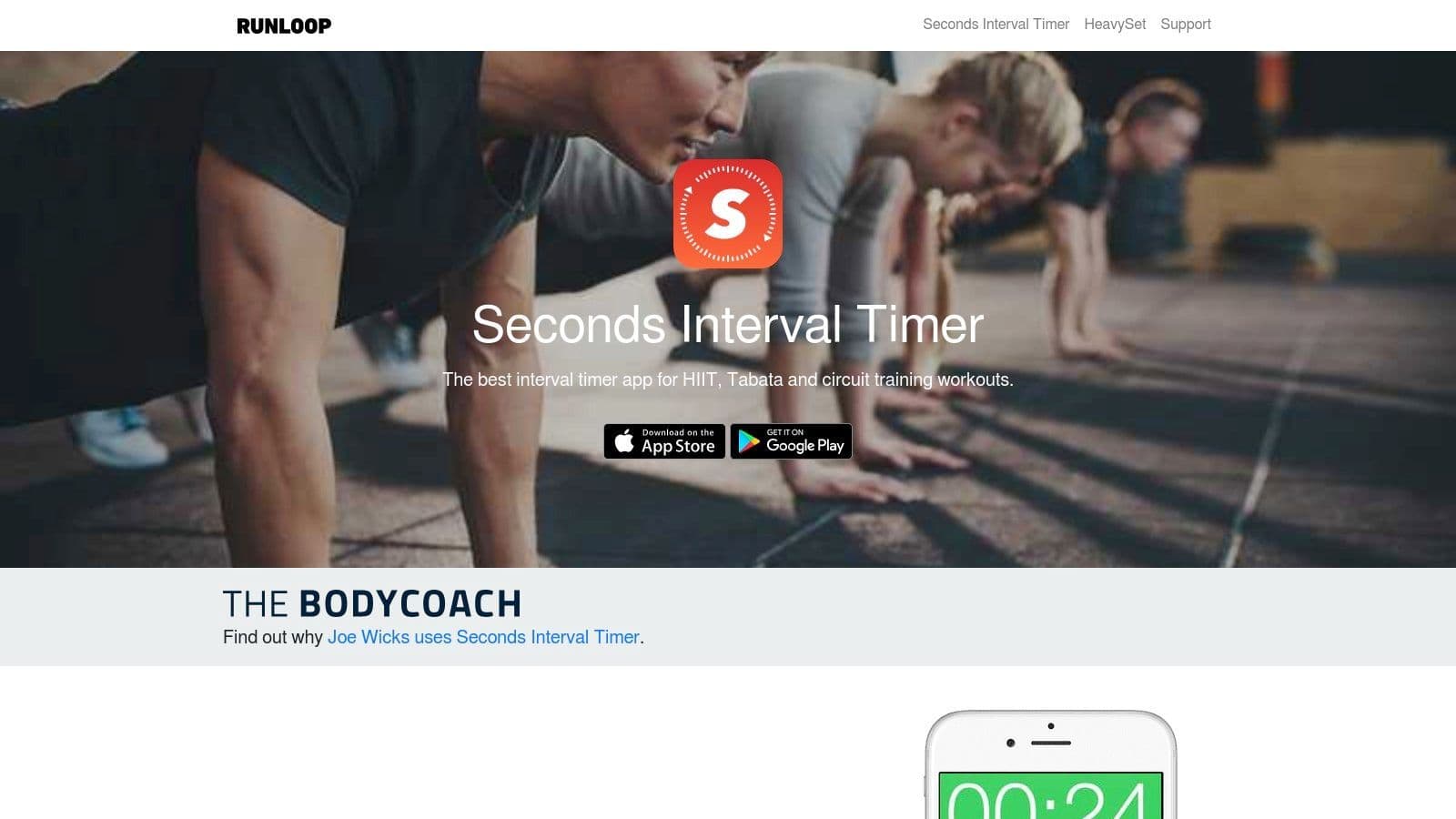
The app’s text-to-speech function announces upcoming intervals by name, a feature that provides a hands-free experience. While its core functionality is free, saving more than one custom timer requires a one-time Pro upgrade. This makes the free version ideal for users who stick to one or two core routines or don't mind re-creating timers. The ability to share timers via a web link is also a huge plus for trainers and workout groups. For developers exploring structured work blocks beyond traditional fitness, understanding the differences between focus sessions vs. the Pomodoro technique can help adapt such timers for deep work.
- Platform: iOS, Android, Web Link Sharing
- Best For: Complex HIIT/Tabata, workout classes, users needing spoken interval names.
- Pros: Highly configurable templates, reliable background audio/vibration alerts, text-to-speech cues.
- Cons: The free version only allows one custom timer to be saved at a time.
Website: https://www.runloop.com/seconds-interval-timer
2. IntervalTimer.com (Seconds’ online timer)
IntervalTimer.com is the web-based counterpart to the Seconds app, offering a powerful free interval timer app experience directly in your browser with zero installation required. It excels at providing instant access to HIIT, Tabata, and circuit training timers for users on any device, from desktops to mobiles. Its core strength lies in its simplicity and shareability; you can create a custom timer and share it with a unique URL, making it perfect for personal trainers sending workouts to clients or for teams coordinating focused work sprints.
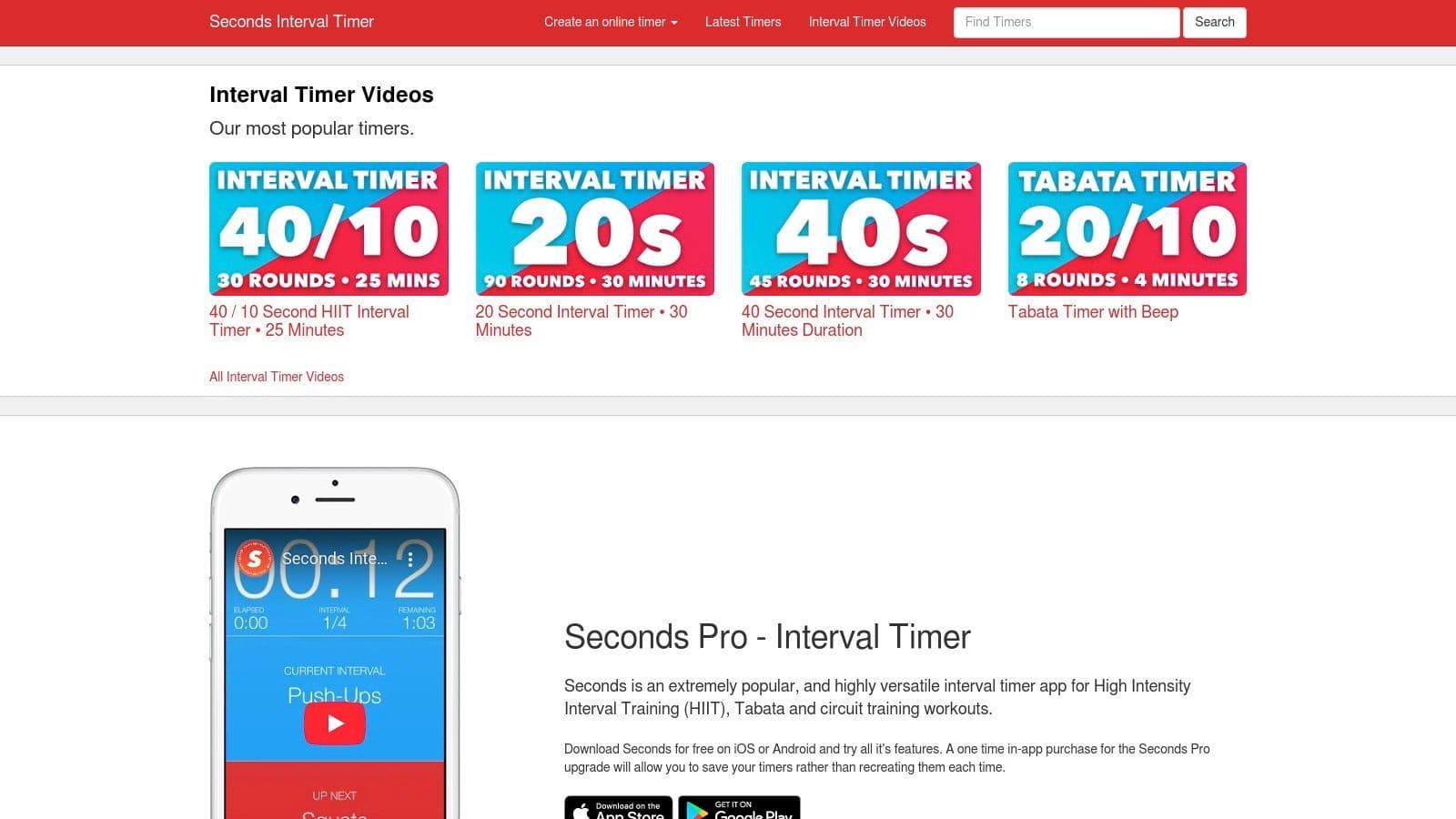
While no account is needed for basic use, the platform also serves as a hub for timers created and shared from the Seconds mobile app. This makes it a versatile tool for both quick, one-off sessions and for accessing more complex, pre-built routines. The full-screen mode is particularly effective for maintaining focus during a workout or a deep work session, eliminating distractions. It’s an ideal choice for anyone who needs a reliable interval timer immediately, without committing to an app download.
- Platform: Web (Desktop and Mobile)
- Best For: Instant one-off timers, sharing workouts or work sprints, users on desktops.
- Pros: Nothing to install, works on any device with a browser, simple interface, easily shareable via URL.
- Cons: Fewer settings and less integration with native phone features (like lock screen controls) compared to a dedicated app.
Website: https://www.intervaltimer.com/
3. PushPress Timer
PushPress Timer is a powerful and completely free interval timer app designed primarily for gyms, coaches, and group fitness settings. Its key advantage lies in its seamless integration with the Apple ecosystem, allowing coaches to display a large, clear timer on a big screen via Apple TV and AirPlay. This feature is invaluable for keeping an entire class synchronized during intense workouts like AMRAP, Tabata, or custom interval sessions. The app’s design philosophy prioritizes clarity and ease of use in a high-energy environment.
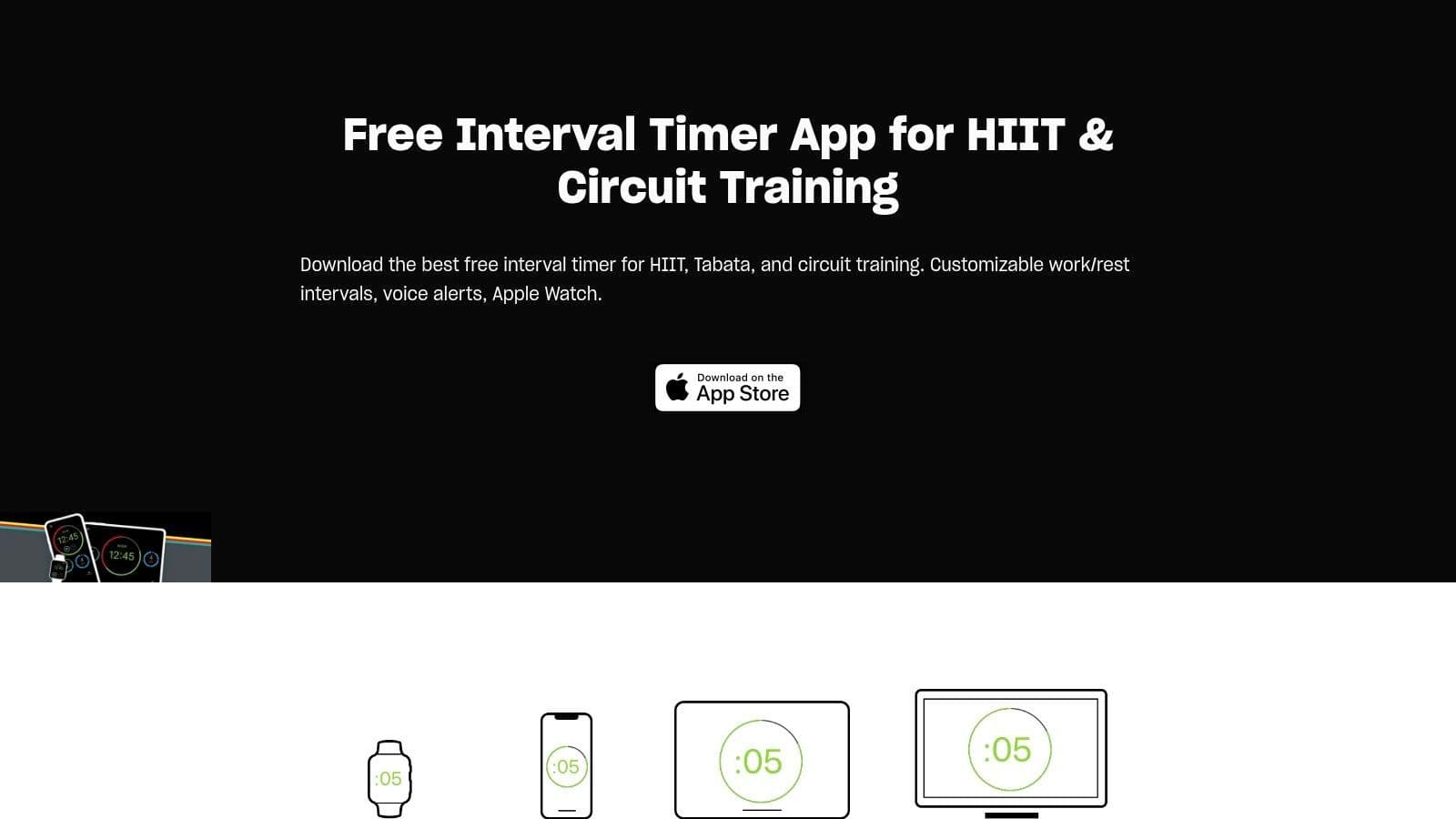
The app offers highly configurable timers for various workout styles and includes motivational voice prompts to guide users through work and rest periods. The companion Apple Watch app adds a layer of convenience, allowing for timer control directly from your wrist, which is perfect for coaches moving around a gym floor or individuals who prefer not to handle their phone mid-workout. While it excels in its niche, its Apple-centric approach means Android users will need to look elsewhere. For those embedded in the Apple ecosystem, however, it’s an exceptional tool for both personal and professional fitness training.
- Platform: iOS, Apple Watch, Apple TV
- Best For: Gym owners, personal trainers, group fitness classes, and users deep in the Apple ecosystem.
- Pros: Excellent for group settings with Apple TV/AirPlay output, strong Apple Watch integration, completely free with no upsells.
- Cons: No native Android version, limiting its accessibility for a wider audience.
Website: https://www.pushpress.com/workout-timer/interval-timer
4. Tabata Stopwatch Pro (Tabata Timer & HIIT Timer) – iOS
Tabata Stopwatch Pro is a long-standing and highly-rated free interval timer app exclusively for iOS users, specializing in Tabata and HIIT workouts. Its strength lies in its balance of simplicity and depth; it offers ready-to-use presets for a quick start but also allows for detailed customization of work, rest, and set counts. This makes it an excellent choice for anyone from a beginner looking for a reliable Tabata guide to a seasoned athlete building specific routines.
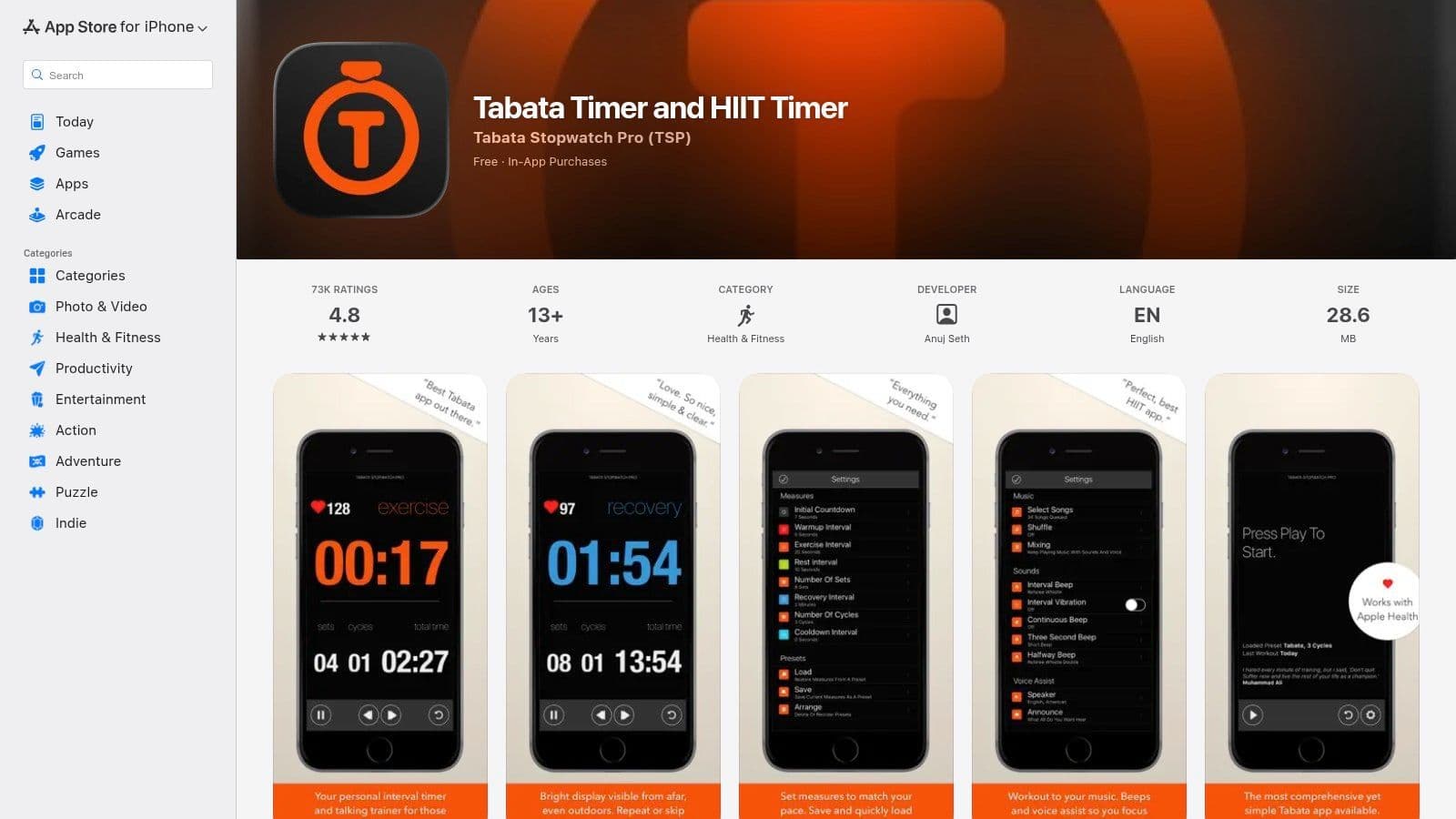
The app includes essential features like interval beeps, voice assistance, and music ducking, ensuring your audio cues are clear without completely silencing your workout playlist. A notable feature is its integration with Apple Health, which can help track heart rate data and contribute to closing your activity rings. While the core functionality is robust in the free version, unlocking unlimited use and more advanced features requires an upgrade via in-app purchases or a subscription. Its mature design and strong user reviews make it a trustworthy option in the crowded App Store.
- Platform: iOS
- Best For: Apple users seeking a reliable, well-reviewed HIIT/Tabata timer with Apple Health integration.
- Pros: Mature and stable app, great presets for quick starts, offers deep customization for advanced users.
- Cons: Some advanced features and unlimited usage are locked behind a Pro version paywall.
Website: https://apps.apple.com/us/app/tabata-timer-and-hiit-timer/id664563975
5. Intervals Pro
Intervals Pro offers a premium-grade free interval timer app experience for iPhone and Apple Watch users, excelling in detailed workout design and organization. It's built for power users who want to create, save, and reuse complex routines with precision. The free version provides a solid foundation, while an optional upgrade unlocks its full suite of advanced features, making it a scalable choice as your needs grow. Its standout capability is the polished and native watchOS experience, enabling truly hands-free workouts managed directly from your wrist.
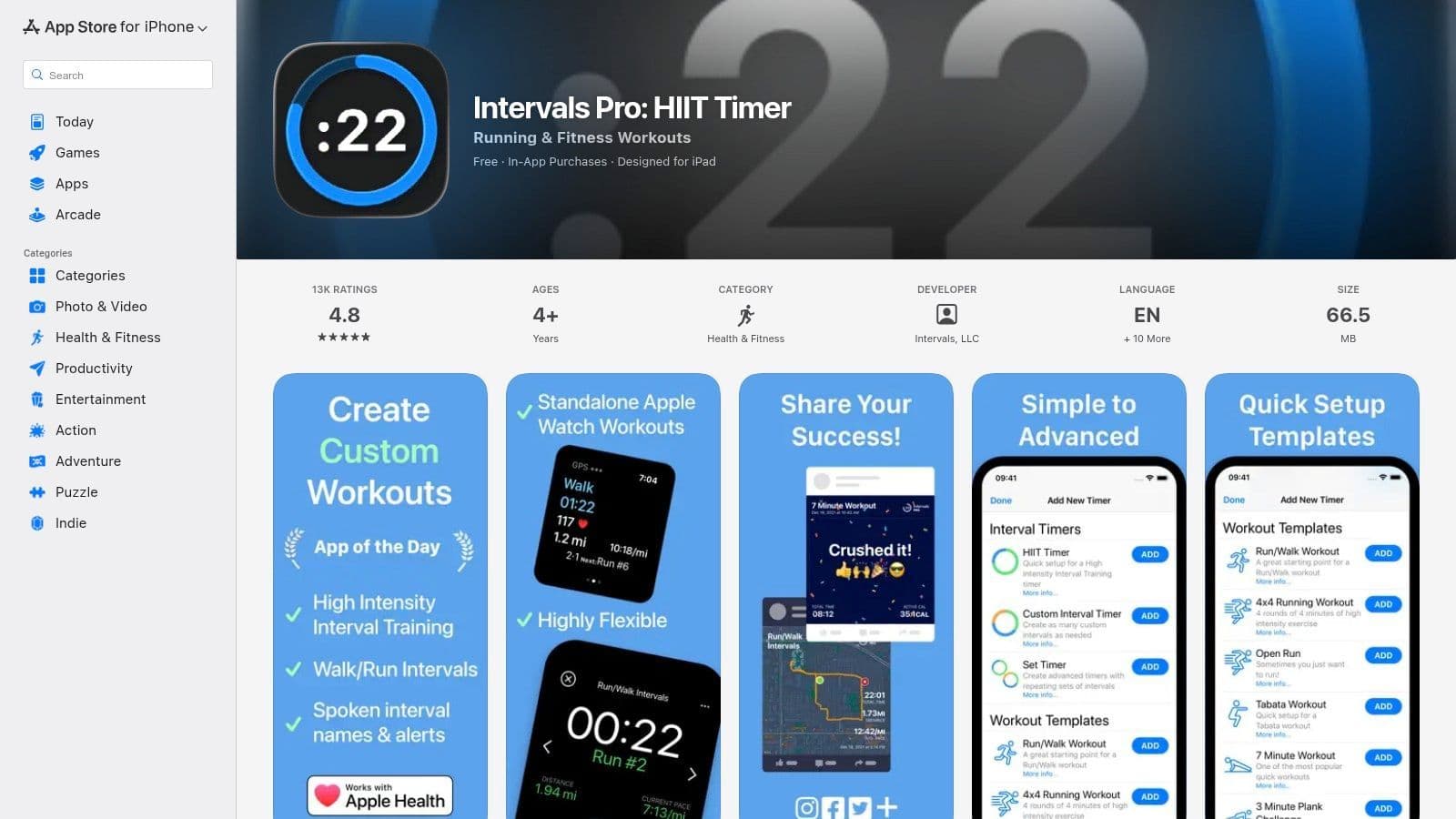
The app integrates deeply with Apple Health and delivers clear voice prompts and haptic feedback to guide you through sessions. Workouts can be neatly organized into folders and easily shared, a fantastic feature for personal trainers or workout groups. While its core focus is fitness, the structured timer can be adapted for productivity sprints. Understanding the principles of deep work for developers can help you configure Intervals Pro for focused coding sessions, alternating between intense work and short breaks.
- Platform: iOS, watchOS
- Best For: Apple Watch users, power users needing detailed workout libraries, personal trainers.
- Pros: Polished watchOS experience for hands-free workouts, excellent library organization with folders, strong Apple Health integration.
- Cons: Most advanced features and unlimited saving require a paid unlock or subscription.
Website: https://apps.apple.com/us/app/intervals-workout-interval/id957586938
6. Gymboss
Gymboss is a unique entry in this list, as it's a recognized brand primarily known for its physical, clip-on interval timers. However, they also offer a companion free interval timer app exclusively for iOS users, making it a great hybrid solution for those who want both durable hardware for the gym and a simple app for backup. The app mirrors the core function of its physical counterpart: straightforward, programmable intervals with clear alerts.
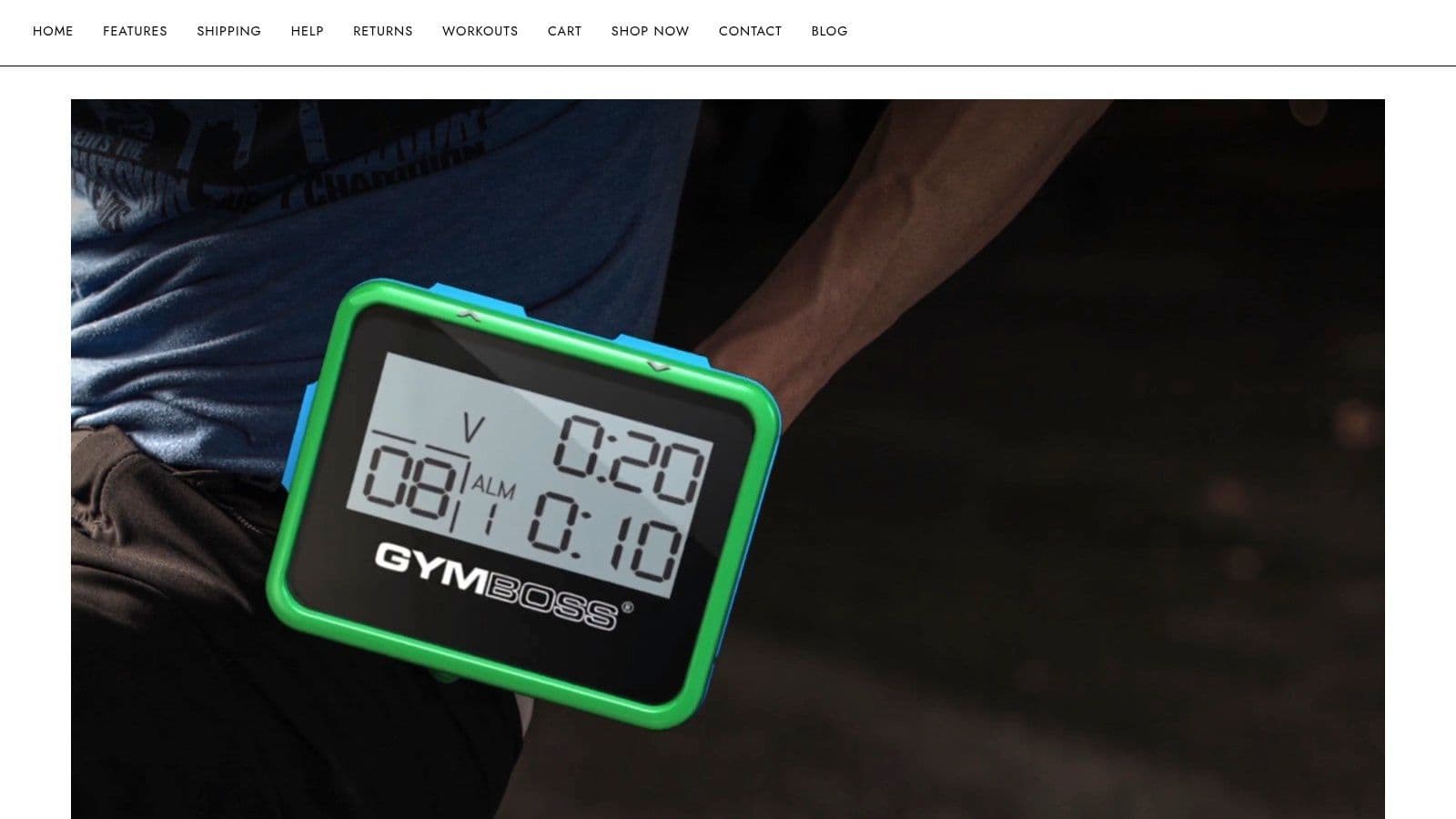
The app itself is minimalist, featuring a large, easy-to-read display and the ability to save programs to iCloud for quick access across Apple devices. This simplicity is its strength, offering a no-frills timer for repeatable sessions like Tabata, boxing rounds, or structured work blocks. While the hardware provides a distraction-free experience away from your phone, the app ensures you always have your timer handy. This dual-offering approach makes Gymboss a trusted name for users who value reliability and simplicity over complex features.
- Platform: iOS App, Physical Hardware Timers
- Best For: Users seeking both a hardware timer and a simple app, basic workout timing, iOS users.
- Pros: Trusted brand with both app and dedicated hardware, simple and reliable timing for repeatable sessions, iCloud sync for saved programs.
- Cons: The free app is only available on iOS; Android users must purchase the hardware or use a different application.
Website: https://gymboss.com/
7. Tabata Interval HIIT Timer (Slydroid) – Android
For Android users seeking a dedicated, data-rich tool, Tabata Interval HIIT Timer by Slydroid is an exceptional free interval timer app. It stands out by being completely ad-free, providing an uninterrupted workout experience. Its true power lies in its deep integration with fitness data, offering support for Bluetooth/ANT+ heart rate monitors and syncing directly with Google Fit. This makes it ideal for athletes who base their training intensity on heart rate zones rather than just time.
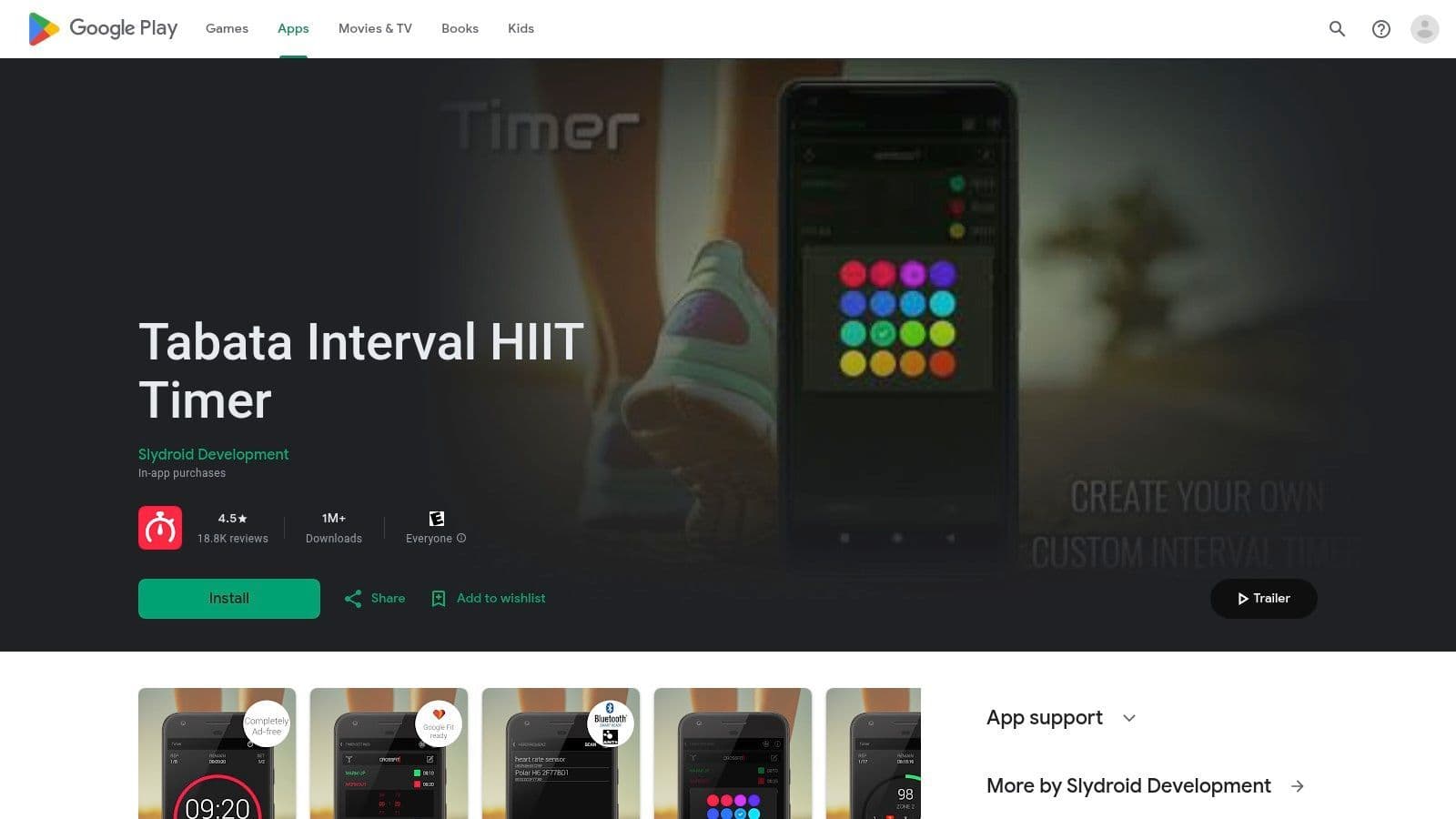
The app is meticulously structured for comprehensive workouts, featuring distinct phases for warm-up, work, pause, rest, and cool-down. It runs reliably in the background, displaying progress on the lock screen and in the status bar so you don’t have to keep the app open. It also includes a workout calendar and backup options to track your progress over time. While the core functionality is free, some of its most advanced features, like detailed heart rate analytics, may require an in-app purchase.
- Platform: Android
- Best For: Android users, runners, and anyone using heart-rate-based training protocols.
- Pros: Completely ad-free experience, robust heart rate monitor support (Bluetooth/ANT+), Google Fit integration.
- Cons: Some advanced features require in-app purchases; it is only available on Android.
Website: https://play.google.com/store/apps/details?id=com.slydroid.watch
8. SimplyTimer
SimplyTimer lives up to its name by offering a minimalist and entirely free interval timer app designed for speed and simplicity. It excels in environments where you need to start a workout or focus session immediately without navigating complex menus. Its core strength lies in its frictionless user experience, stripping away non-essential features to provide a clean, ad-free interface that just works. The one-tap "QuickStart" button is perfect for jumping straight into a standard HIIT routine.
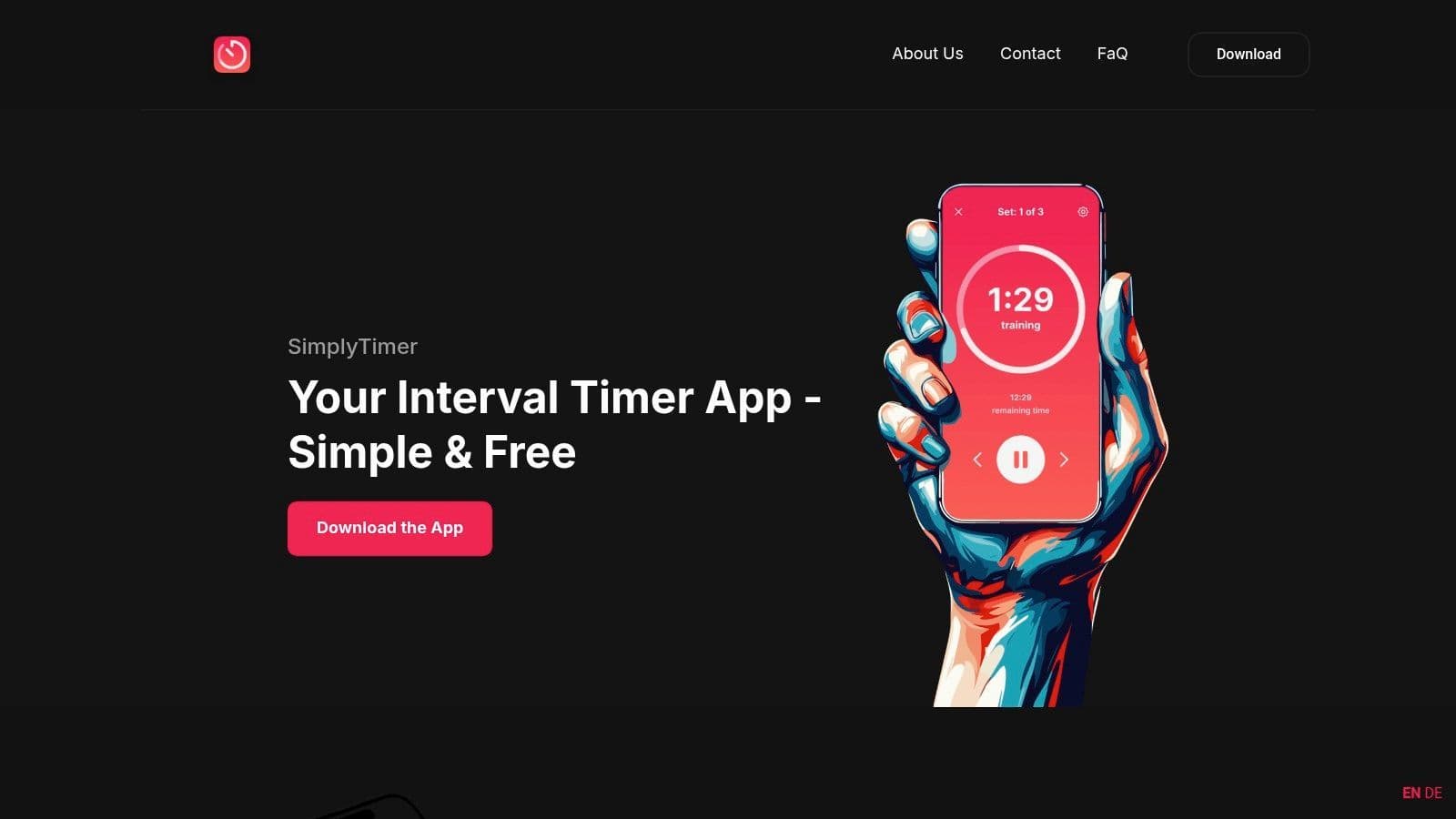
While it lacks the deep customization of more complex apps, SimplyTimer allows you to create and save basic workout templates for reuse. This makes it an ideal choice for users who have a few go-to routines and value an uncluttered, distraction-free tool. For developers or writers who need to quickly set up work-sprint timers without getting sidetracked by elaborate settings, this app provides an efficient, no-nonsense solution. Its straightforward design ensures you spend more time on your activity and less time configuring the timer.
- Platform: iOS, Android, Web
- Best For: Quick-start workouts, minimalists, users who dislike ads and complex setups.
- Pros: Extremely fast setup with QuickStart, completely ad-free experience, clean and intuitive interface.
- Cons: The feature set is intentionally lean and lacks advanced customization options found in other apps.
Website: https://simplytimer.com/
9. Workoutimer
Workoutimer is a streamlined, no-frills free interval timer app that operates entirely from your web browser. Its core strength lies in its simplicity and accessibility; there's no need to sign up, log in, or install anything. Users can instantly build custom HIIT or Tabata routines by defining prep, work, rest, and round intervals, making it perfect for quick, on-the-fly workout creation on any device with a browser. The distraction-free, full-screen interface ensures focus remains on the session.
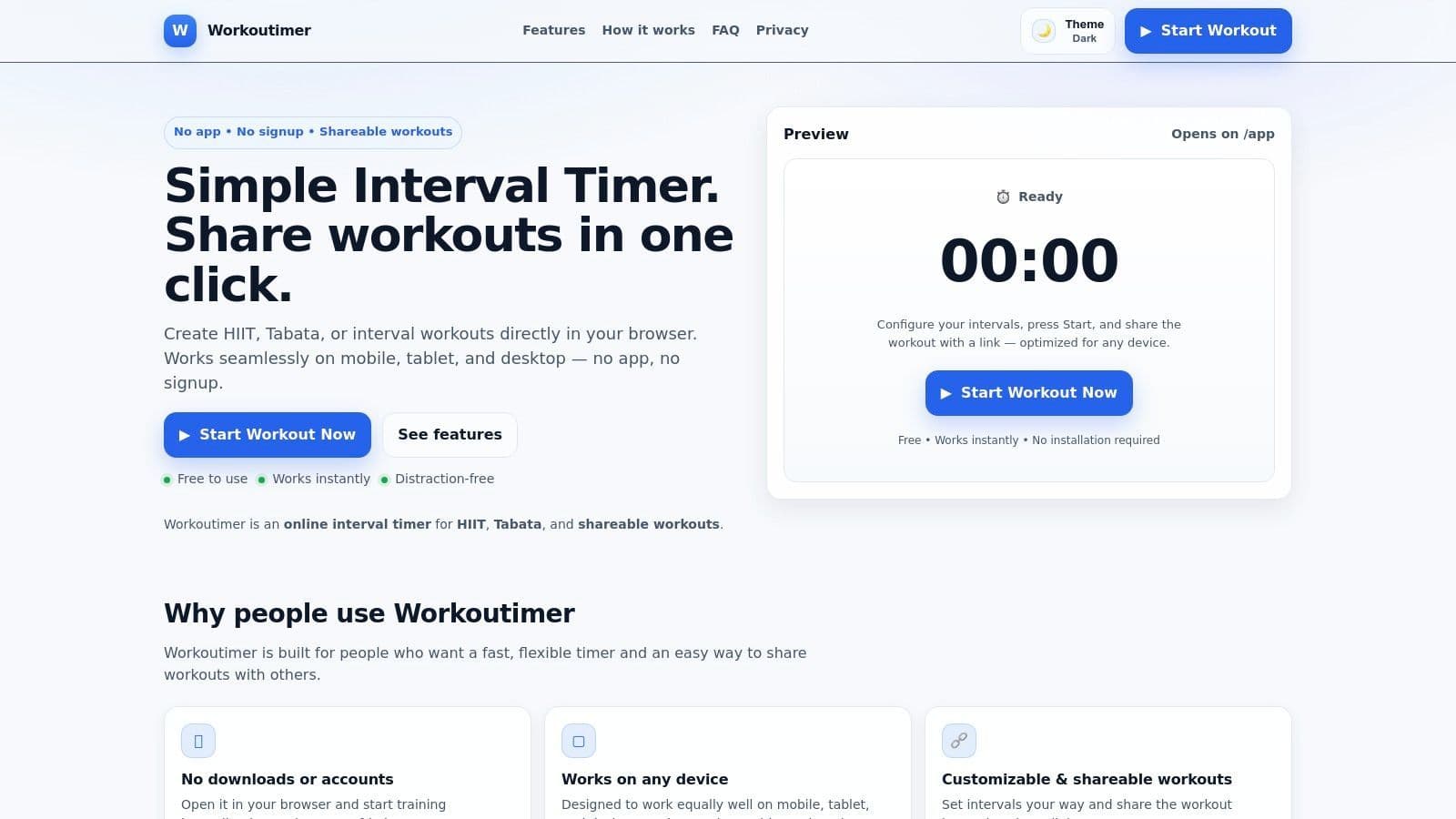
The platform's standout feature is its shareable workout links. Once a routine is created, a unique URL can be generated and sent to clients, friends, or team members, allowing them to run the exact same timed session instantly. While this browser-based approach is incredibly convenient for quick sessions, it's worth considering how different timing structures impact focus. For developers, understanding how different work-to-rest ratios impact deep coding sessions versus a simple workout can be valuable.
- Platform: Web (Any browser)
- Best For: Quick browser-based workouts, trainers sharing routines with clients, group fitness sessions.
- Pros: No signup or installation required, instant access on any device, easy to share custom workouts via URL.
- Cons: Requires the browser tab to remain open and active during the entire session.
Website: https://workoutimer.com/
10. Tickzy
Tickzy stands out as a privacy-first, 100% free interval timer app delivered through a clean and fast web interface. It’s built for users who want to start a timer immediately with zero friction, offering dozens of pre-made templates for HIIT, Tabata, and other common routines. The platform requires no login, features no ads or tracking, and works seamlessly across both desktop and mobile browsers, making it a top choice for anyone who values privacy and simplicity.
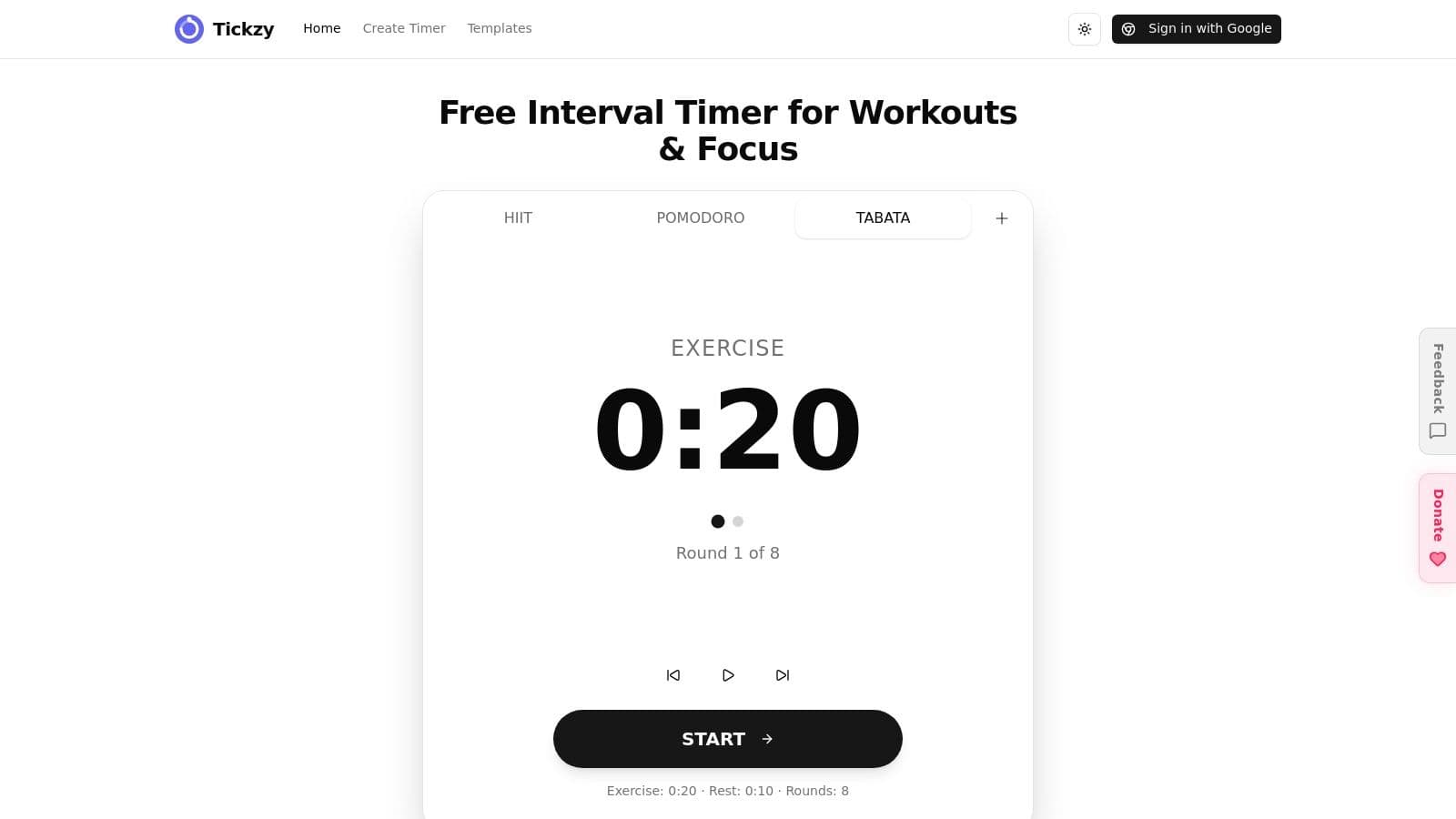
Its core strength is its accessibility and robust template library, which includes over 48 ready-to-use timers. While it operates without an account, users have the option to sign in for cloud sync, allowing them to save and access their unlimited custom timers from any device. This optional feature provides a great balance between instant use and personalized persistence. Tickzy is perfect for quick, no-fuss workouts or focused work blocks without committing to a download or subscription.
- Platform: Web (Desktop & Mobile)
- Best For: Privacy-conscious users, quick-start workouts, and those who prefer a web-based tool without ads.
- Pros: Completely free with no ads or tracking, extensive library of 48+ templates, optional cloud sync.
- Cons: Being a web app, it lacks native mobile features like background notifications or haptic feedback.
Website: https://www.tickzy.app/
11. Go Exercise Timer
Go Exercise Timer is a browser-based free interval timer app designed for clarity and flexibility, making it exceptionally well-suited for trainers, physical therapists, and individuals who need structured, guided sessions. Its strength lies in creating unlimited, color-coded phases, each with custom labels. This visual distinction helps users immediately recognize which part of a routine they are in, which is crucial for coaching or rehabilitation exercises where specific movements need to be performed in a precise sequence.
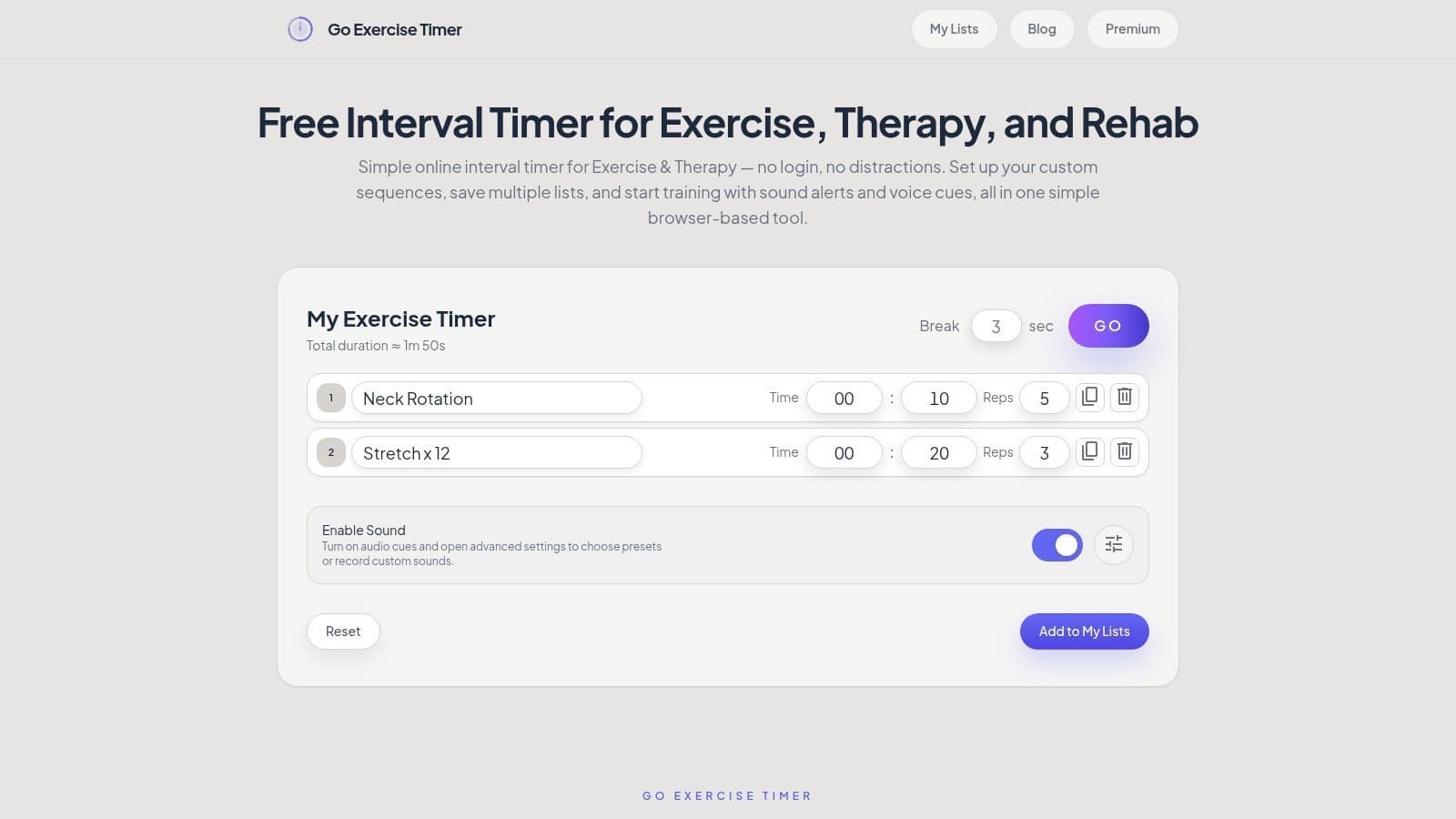
The platform includes useful features like custom voice cues and a screen-on protection option for mobile browsers, preventing the screen from dimming mid-session. One of its most practical aspects is the ability to save multiple routines into organized "My Lists," allowing for quick loading of recurring workout or therapy plans without rebuilding them each time. This feature is a significant advantage for professionals managing different clients or routines. However, as a web-only tool, it requires the browser tab to remain open and active for the timer to function correctly, which might be a limitation for some users.
- Platform: Web
- Best For: Physical therapy, personal training sessions, users needing to save multiple distinct routines.
- Pros: Unlimited color-coded phases for visual clarity, convenient save/load feature for recurring sessions, custom voice cues.
- Cons: Browser-only and requires an active tab to run, making it less ideal for multitasking.
Website: https://goexercisetimer.com/
12. StopwatchPro – Interval Timer
StopwatchPro offers a clean, browser-based free interval timer app perfect for anyone needing a quick, no-installation solution. Its strength lies in its simplicity and accessibility, allowing users to start a workout instantly with one-click presets for common routines like Tabata, HIIT, and circuit training. This makes it ideal for users who need a timer on a laptop, public computer, or any device where downloading an app isn't feasible or desired.
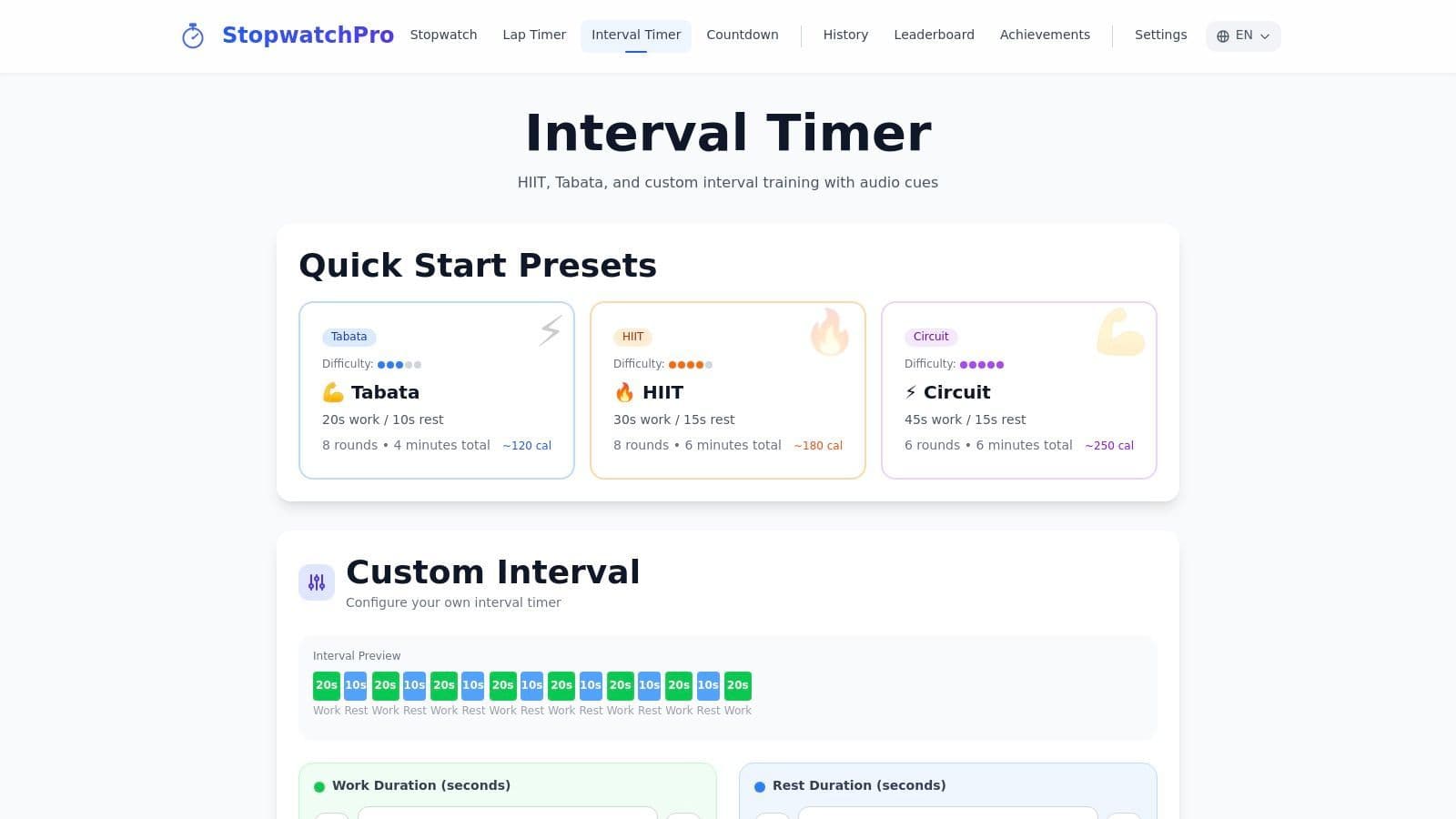
The interface is minimalist, displaying a large, clear timer that visually tracks your progress through work and rest periods. You can easily adjust settings like warm-up time, number of rounds, and the duration of each interval before starting. While its web-based nature offers great flexibility, it comes at the cost of native app features. It lacks reliable background audio when your browser is minimized or phone is locked, meaning the screen must remain active to be effective. This makes it best suited for workouts where your device can be kept in view.
- Platform: Web
- Best For: Quick preset-driven workouts, users on multiple devices, no-install sessions.
- Pros: Simple preset-driven starts for quick workouts, works across any device with a web browser without installation.
- Cons: Lacks native phone background audio and haptic feedback; requires an active browser window.
Website: https://stopwatchpro.app/interval-timer
Top 12 Free Interval Timer Apps — Feature Comparison
| Tool | Core features ✨ | UX / Quality ★ | Price / Value 💰 | Target audience 👥 | Standout 🏆 |
|---|---|---|---|---|---|
| Seconds Interval Timer (Runloop) | Advanced HIIT/Tabata templates, spoken names, shareable timers | ★★★★★ reliable background alerts | Free + Pro one‑time unlock 💰💰 | Fitness enthusiasts & athletes 👥 | Deep customization + share links 🏆 |
| IntervalTimer.com (Seconds’ online timer) | Browser HIIT timers, full‑screen, shareable URLs | ★★★★ instant, cross‑device | Free (no install) 💰 | Trainers/clients needing quick share 👥 | Zero‑install sharing simplicity 🏆 |
| PushPress Timer | Work/rest configs, voice prompts, Apple Watch & AirPlay | ★★★★ strong audio + watch support | Free 💰 | Gyms & coaches in Apple ecosystem 👥 | Big‑screen gym timers (AirPlay) 🏆 |
| Tabata Stopwatch Pro (iOS) | Tabata presets, voice assist, Apple Health | ★★★★ mature, well‑rated | Free + Pro IAP/subscription 💰💰 | iOS users wanting defaults + HR features 👥 | Apple Health HR features 🏆 |
| Intervals Pro | Detailed workout designer, folders, native watchOS | ★★★★★ polished watch experience | Trial; subscription or one‑time unlock 💰💰💰 | Power users & athletes on Apple Watch 👥 | Advanced planner & watchOS polish 🏆 |
| Gymboss | Programmable intervals, clip‑on hardware + app | ★★★★ reliable hardware + simple app | Hardware purchase; app free 💰💰 | Outdoor/gym users wanting dedicated timer 👥 | Durable clip‑on hardware + brand trust 🏆 |
| Tabata Interval HIIT Timer (Slydroid) – Android | Phased timers, background run, Bluetooth/ANT+ HRM & Google Fit | ★★★★ ad‑free, robust on Android | Free with IAPs 💰 | Android users & HR‑based training 👥 | ANT+/Bluetooth HRM support 🏆 |
| SimplyTimer | One‑tap QuickStart, saved templates, ad‑free UI | ★★★★ minimal & fast | Free/affordable 💰 | Users needing a fast, no‑friction timer 👥 | One‑tap QuickStart simplicity 🏆 |
| Workoutimer | No‑signup web timer, shareable links, full‑screen | ★★★ instant access; browser required | Free 💰 | Coaches/clients for quick browser sessions 👥 | Instant, no‑signup sharing of routines 🏆 |
| Tickzy | Privacy‑first web timers, 48+ templates, optional sync | ★★★★ privacy‑focused, fast | Free (no ads/tracking) 💰 | Privacy‑minded users & educators 👥 | No ads/tracking + many templates 🏆 |
| Go Exercise Timer | Unlimited color‑coded phases, voice cues, save/load | ★★★★ clear UI for coaching | Free browser tool 💰 | Trainers, rehab & coaches 👥 | Custom voice cues + saved routines 🏆 |
| StopwatchPro – Interval Timer | One‑click presets, adjustable warmups, large display | ★★★ simple cross‑device | Free 💰 | Quick preset‑driven users 👥 | Fast presets for quick starts 🏆 |
Beyond the Beep: Integrating Interval Timers into a Deep Work System
We've explored a dozen powerful options, from the highly customizable Intervals Pro to the straightforward simplicity of IntervalTimer.com. Your journey to finding the perfect free interval timer app starts with understanding that these tools are more than just digital stopwatches; they are foundational components of a structured, deep-work methodology. Whether you're a developer implementing Pomodoro for coding sprints, a founder blocking time for strategic planning, or a freelancer managing multiple client projects, the core principle remains the same: intentional, timed focus blocks dramatically improve output and reduce burnout.
The key takeaway is that the "best" app is entirely dependent on your specific workflow. An iOS user needing complex, multi-step routines for Tabata will find a perfect match in Tabata Stopwatch Pro, while an Android user seeking a no-frills, reliable HIIT timer might gravitate towards Tabata Interval HIIT Timer by Slydroid. The most significant leap in productivity, however, doesn't come from the timer itself, but from how you integrate it into your daily system.
Actionable Steps to Select and Implement Your Timer
To make your choice and start seeing results, follow this simple framework:
-
Identify Your Primary Use Case: Are you primarily focused on fitness (HIIT, Tabata), productivity (Pomodoro, deep work), or a hybrid of both? Your answer will immediately narrow down the list. For example, Seconds Interval Timer excels at complex fitness routines, whereas SimplyTimer is built for minimalist focus sessions.
-
Evaluate Your Tech Ecosystem: Consider your primary device. Is it an iPhone, an Android, or do you work exclusively from a desktop browser? Platform availability is a crucial, non-negotiable filter. A web-based tool like IntervalTimer.com offers universal access, while mobile-specific apps provide on-the-go convenience.
-
Test Your Top 2-3 Choices: Dedicate a day to each of your top contenders. Pay close attention to the user experience. How easy is it to create and save a new timer? Are the audio cues and alerts disruptive or helpful? A seemingly small annoyance can quickly become a major obstacle to consistent use.
From Time Tracking to Task Completion
The ultimate goal is to bridge the gap between simply timing your work and actively completing it. A standalone free interval timer app is excellent for enforcing focus, but its true power is unlocked when each timed session is directly linked to a specific task or project. This creates a powerful feedback loop where every "beep" signifies tangible progress on your to-do list, not just the passage of time.
By integrating structured time blocks with your project management tools and daily agenda, you transform abstract time management into a concrete system for execution. This ensures that every minute you dedicate to deep work is a minute spent moving the needle, building a verifiable record of your accomplishments and paving the way for sustained, high-impact productivity.
Ready to elevate your focus beyond a simple timer? Locu integrates the principles of timed intervals directly into your workflow, connecting focus sessions with your tasks, notes, and project tools. Stop just tracking time and start making every minute count by visiting Locu to build your ultimate deep work environment.
Stop switching timers — schedule focused intervals
Join developers who replace scattered timers with reliable focus sessions.